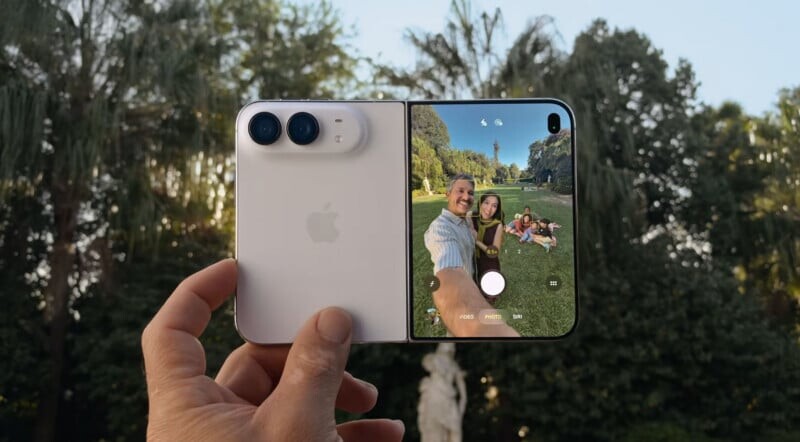
Apple lets buyers choose between OLED and the classic MacBook Pro
Apple offers the MacBook Pro with a touch-enabled PROLED XDR OLED display or classic Liquid Retina: we compare the displays, performance, and price.

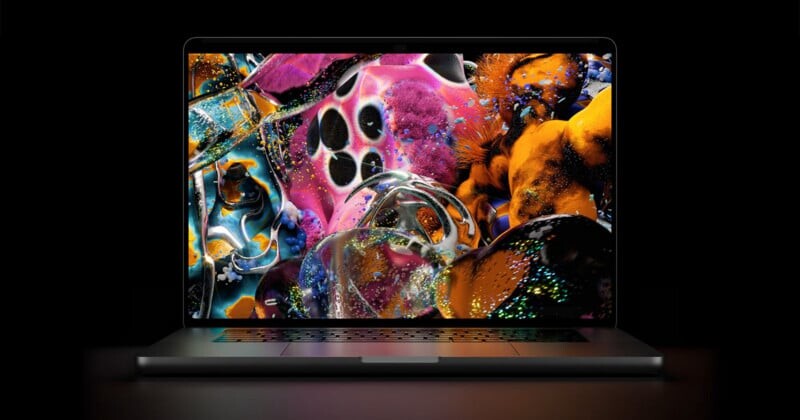
The new MacBook Pro models with touch-enabled OLED and Liquid Retina offer nearly identical performance, but differ in display and price. Nano Texture reduces glare, but may lower contrast.
Apple splits MacBook Pro into OLED and traditional-display versions
The arrival of a touch display on the MacBook Pro marks a notable change for the lineup: Steve Jobs opposed touchscreens on Apple laptops for many years. However, the company has not tied maximum performance exclusively to the new display. Buyers can still choose a MacBook Pro with a standard Liquid Retina display.
Two new models with different chips
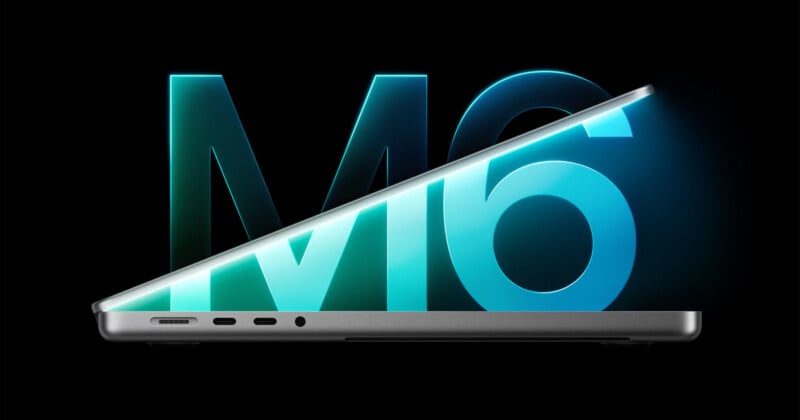
Earlier this week, Apple introduced a 14-inch MacBook Pro with an M6 processor. The company then unveiled a model with a touch-enabled PROLED XDR OLED display, equipped with M5 Pro or M5 Max chips.
Meanwhile, the 14- and 16-inch MacBook Pro models with Liquid Retina, updated earlier this year, remain unchanged. Their configurations also include M5 Pro and M5 Max. If you don’t need touch input or OLED isn’t a priority, the classic version lets you avoid paying an extra $400 for the new display.
Size, weight, and sound
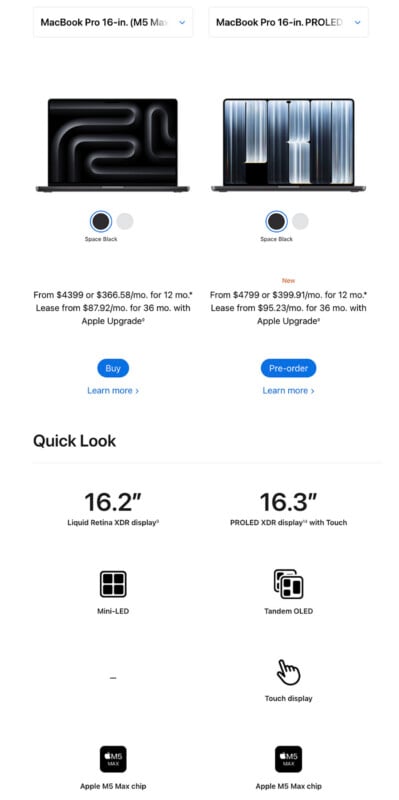
The OLED models have thinner bezels, so the display is larger while the chassis keeps its previous dimensions. The larger model’s screen now measures 16.3 inches, while the smaller one’s measures 14.2 inches. The increase is modest, but noticeable.

Apple has also reduced the laptops’ weight. The 16-inch model weighs four pounds, and the 14-inch model weighs three pounds. That’s about 12–15% less than the current mini-LED models without touch controls. In particular, the 16-inch MacBook Pro is 0.7 pounds lighter.
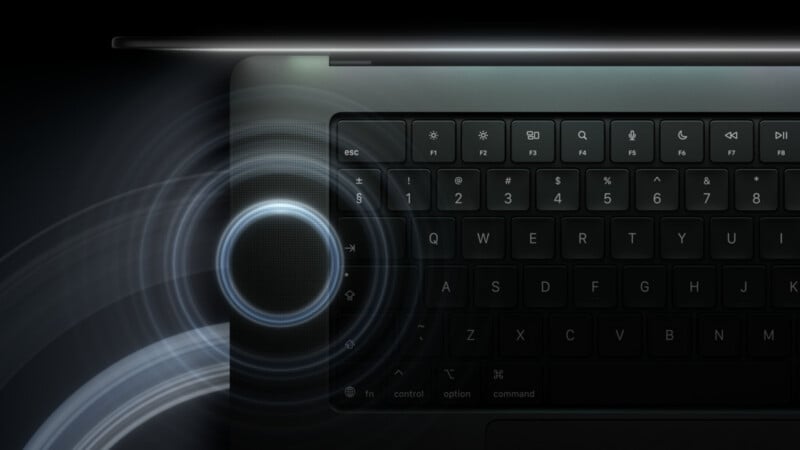
The laptop’s speaker system has been redesigned. It’s not easy to judge the improvement over its predecessor, whose speakers were already high-quality.
Performance doesn’t depend on the touch display
Performance differences between the versions are expected to be nonexistent or minimal. So buyers should decide whether the new features justify the extra cost. Whether all the changes are worth $1,400 to a prospective MacBook Pro owner remains an open question; the touchscreen itself adds $400.
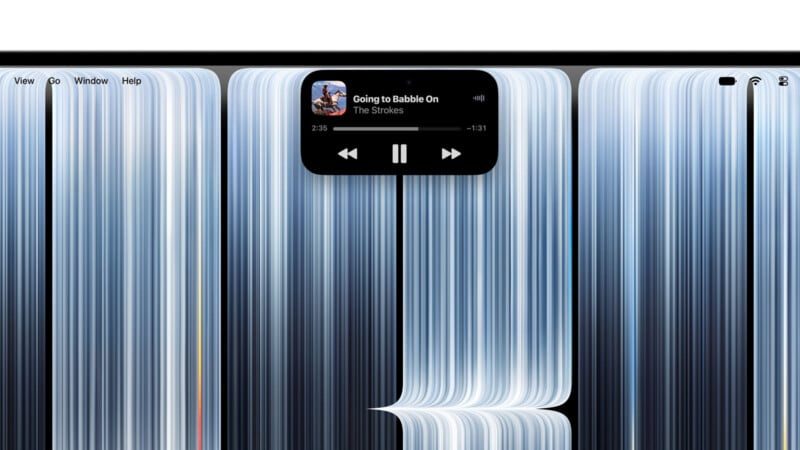
Touch input is optional: you can use the laptop as usual, and not touching the screen shouldn’t affect the experience. One possible exception is interacting with Dynamic Island, the new screen area that replaces the notch.
What Nano Texture changes
A Nano Texture coating that reduces glare is available for the OLED version. Comparing the displays side by side revealed no immediately obvious difference in the image, but more time is needed to assess how the matte surface affects perceived contrast.
The coating involves a trade-off: the extra layer may lower contrast, one of OLED’s key strengths. On the other hand, it makes the laptop easier to use in a wider range of lighting conditions. Glare can indeed be a significant issue for OLED, but Apple claims the PROLED has a peak brightness of 2,000 nits. In theory, that may be enough for working in direct sunlight without Nano Texture. This has yet to be tested: the laptops available for hands-on use were in a controlled indoor setting.

The standard MacBook Pro with a Nano Texture display already makes a strong case for itself. The new PROLED XDR is brighter and, according to Apple, offers more accurate color reproduction and higher contrast; it made a strong impression in a side-by-side comparison. It was also noted that Nano Texture on PROLED may deliver higher contrast than Liquid Retina XDR without the coating. Still, a matte layer remains a debatable choice for OLED: it can diminish the impact of a high-contrast image.
By keeping both versions on sale, Apple has left buyers with a choice between OLED with touch controls and the classic Liquid Retina display. Photo caption for the standard model with a Nano Texture display: Jaron Schneider.