Games for Photographers on SuperSnimki: 18 Photo Games and Trainers
A new section on SuperSnimki: 18 photo games — a camera simulator, exposure triangle, cropping, white balance, histogram, guess the settings, and more. Leaderboards and achievements.

A new section has opened on SuperSnimki — Games. It features 18 quick photo games that train skills usually built up over years of shooting: a feel for exposure, an eye for composition, color, light, and attention to detail. Each session takes just a few minutes, and you can score up to 100 points per round.
Most games are built around real photos by site members: guess the settings used for someone else’s shots, find the point of focus, or choose which photo the community liked more. You can play without signing up, but only scores by users who are logged in count toward leaderboards and achievements.

Camera and Exposure
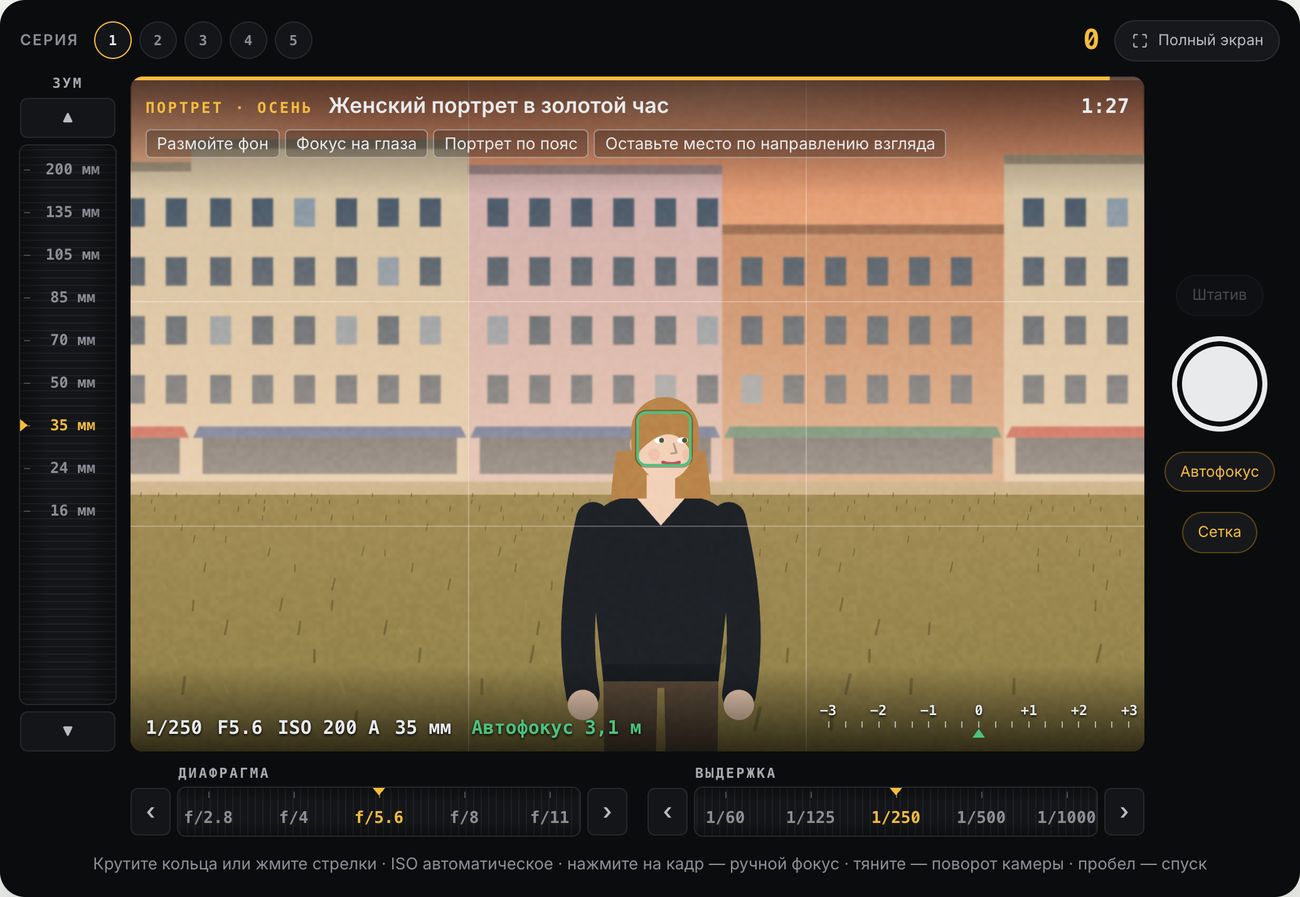
Exposure Pair — camera simulator
The biggest game in the section. You get a generated scene in one of eight genres — landscape, birds, portrait, sports, night, animals, macro, or street — and a virtual camera with zoom, aperture, shutter speed, autofocus and manual focus, and a tripod. Each shot has its own task: “blur the background,” “make the stars pinpoint, not streaks,” or “put the horizon on a third.” Press the shutter, then earn points for exposure, sharpness, depth of field, composition, and noise.
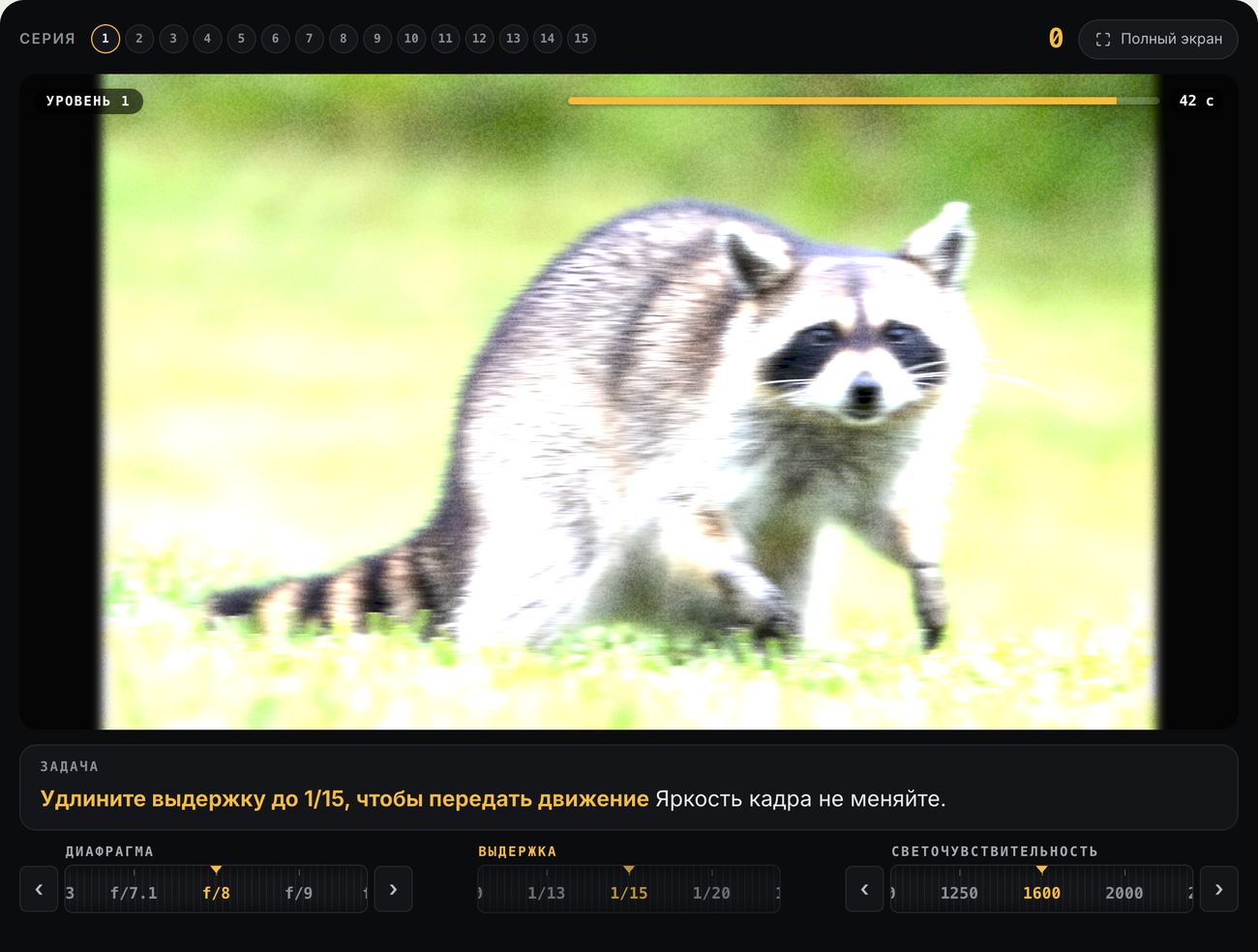
Exposure Triangle — start here
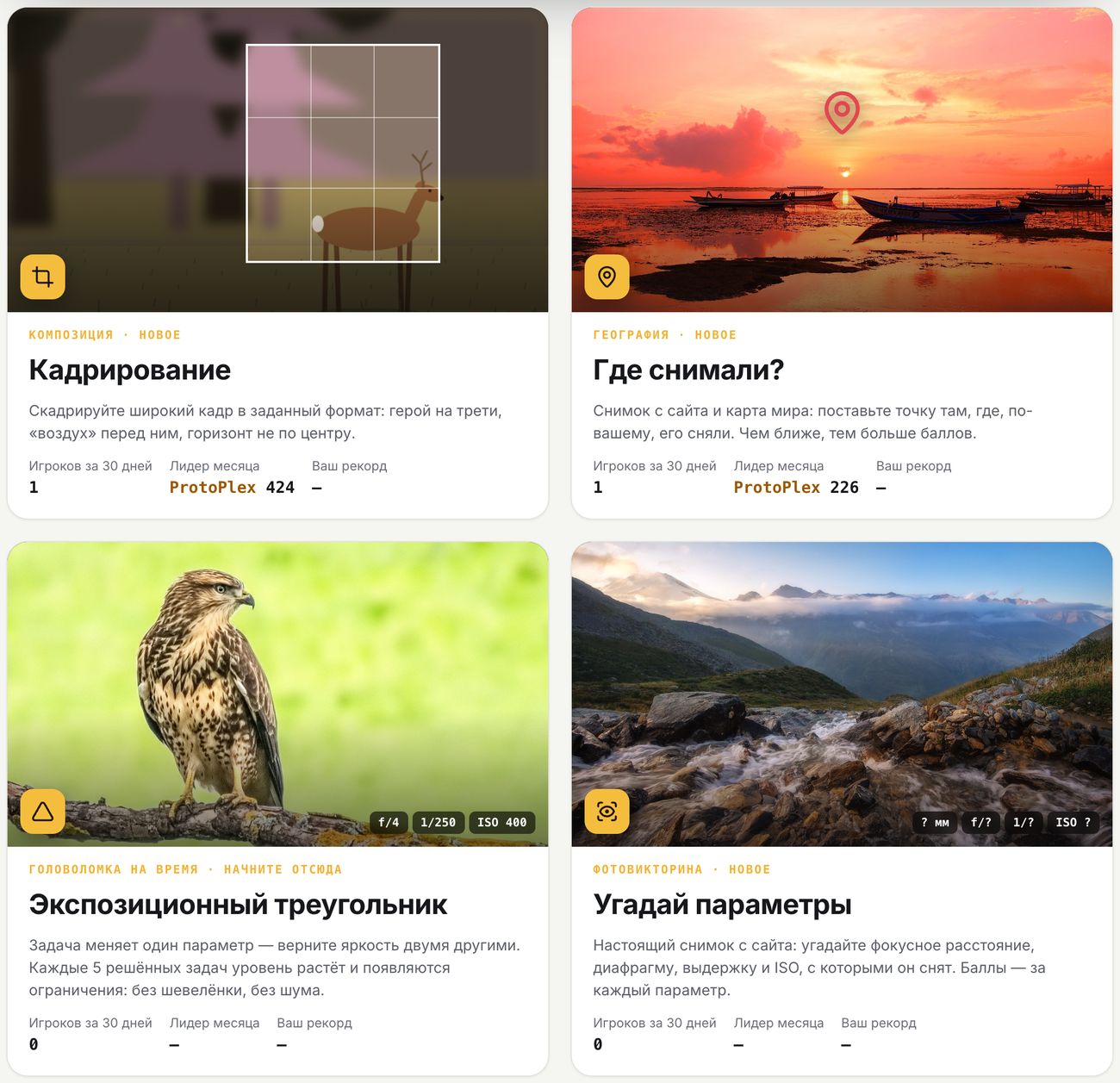
The task changes one setting — for example, “slow the shutter to 1/15 to capture motion” — and you need to restore the original brightness using the other two. The image responds realistically: motion blur at slow shutter speeds, noise at high ISO. The level goes up every five tasks, adding new constraints. It’s the best way to finally get the “aperture — shutter speed — ISO” relationship to stick.
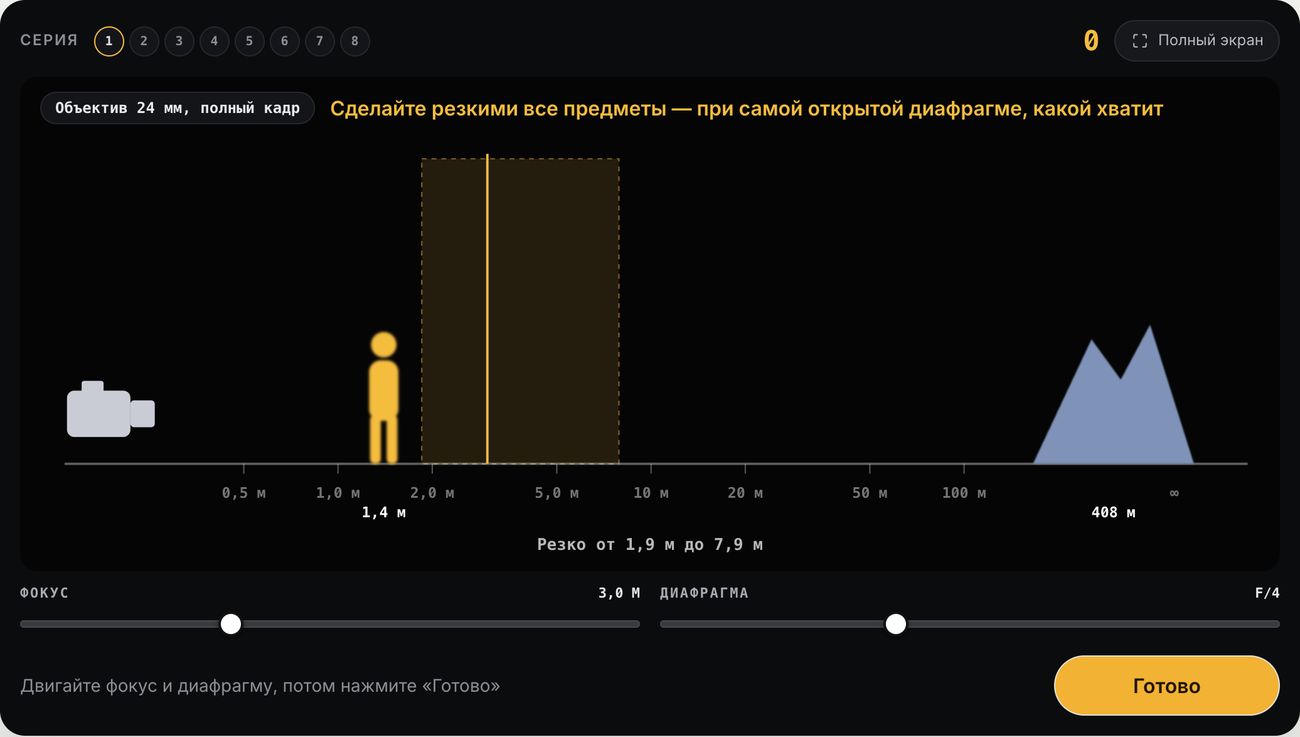
Depth of Field
A side-on view of the scene: camera, subject, and background. Adjust focus and aperture to see how the area in focus changes. Tasks include getting everything sharp at the widest aperture possible (hello, hyperfocal distance) or keeping only the subject sharp against a soft background.
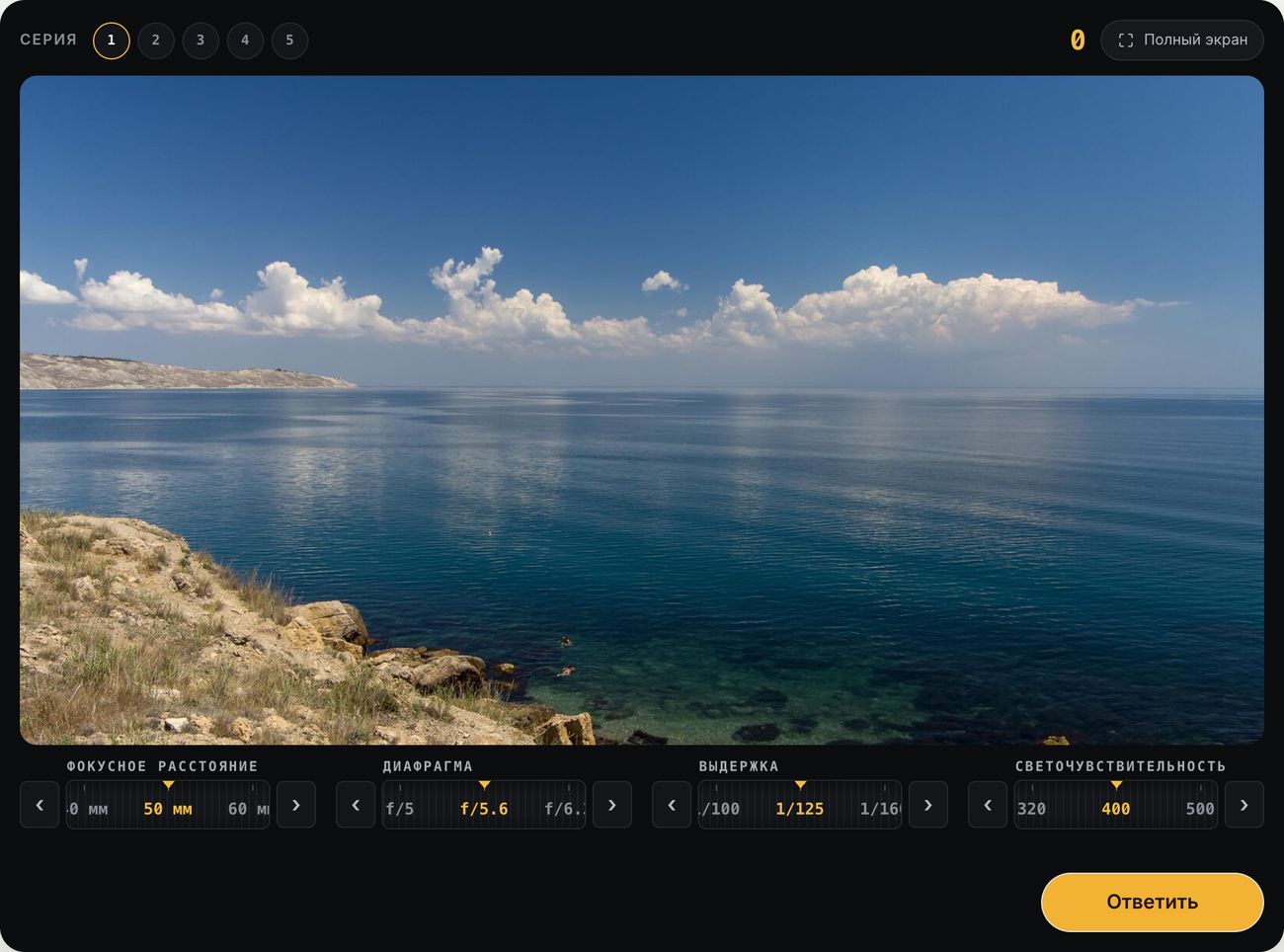
Guess the Settings
A real photo from the site: guess the focal length, aperture, shutter speed, and ISO it was shot at. The correct answers come from EXIF, and you score points for each setting.
Composition
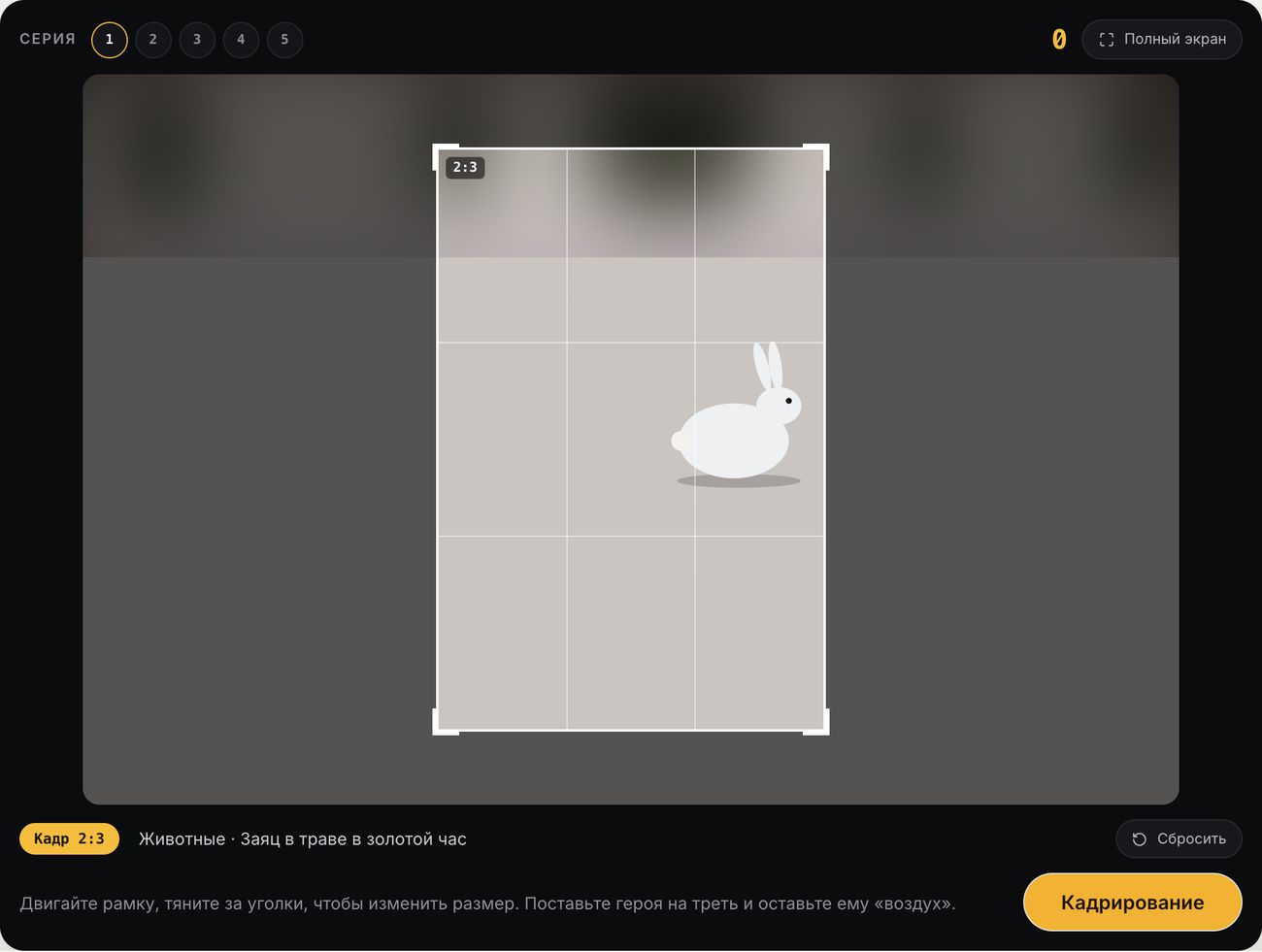
Cropping
A wide scene and a frame in a set aspect ratio — 3:2, 4:5, 1:1, or 16:9. Move the frame and drag its corners to place the subject on a third, leave “breathing room” in front of them, and move the horizon away from the center.
Horizon
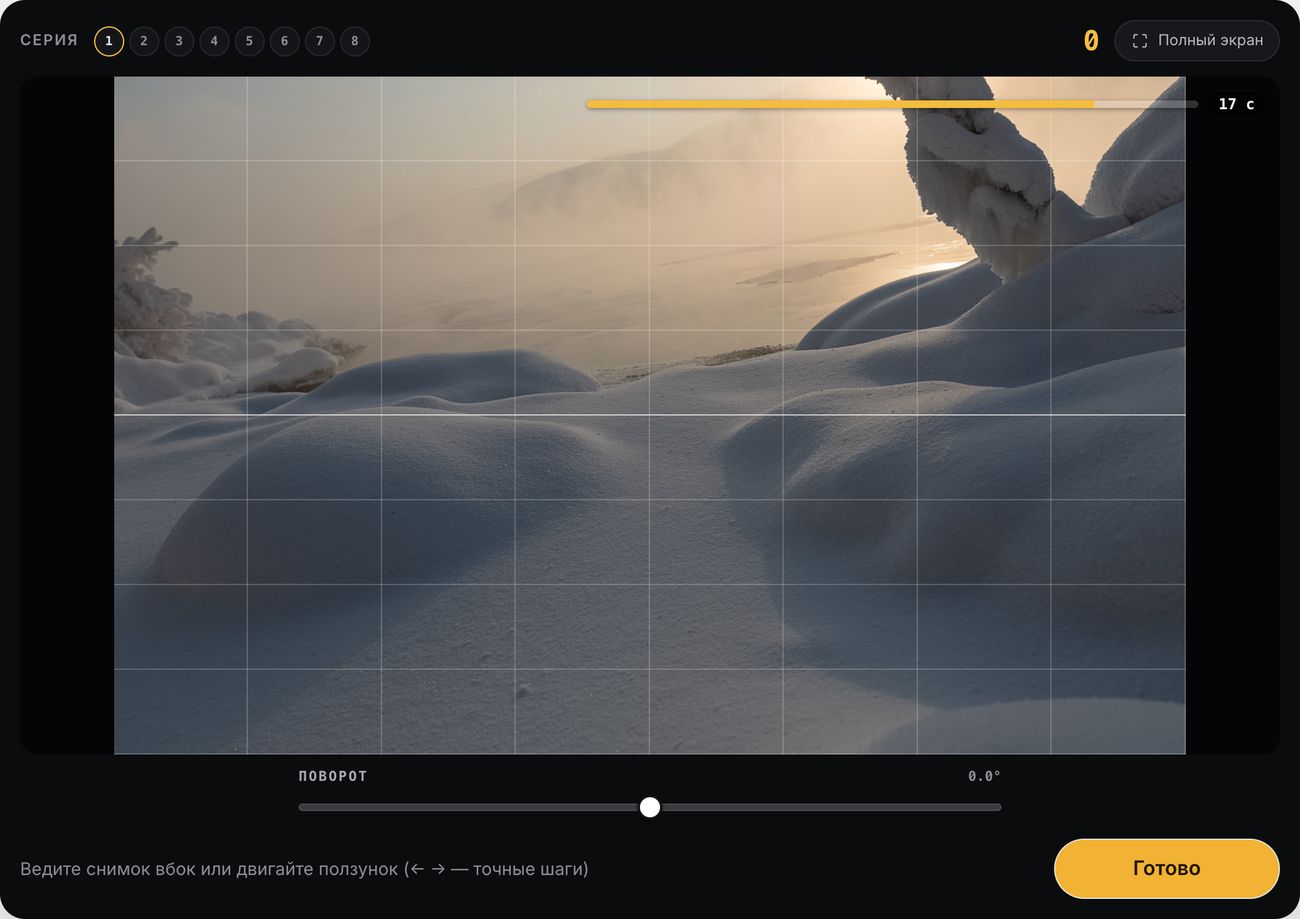
The photo is tilted by a few degrees. Straighten the horizon and vertical lines before time runs out in 20 seconds — just like you have to do with every other landscape in an editor.
Color and Editing
White Balance
The photo has lost its colors. Restore neutral whites and grays using the temperature and tint sliders or the eyedropper — just like in any RAW converter.
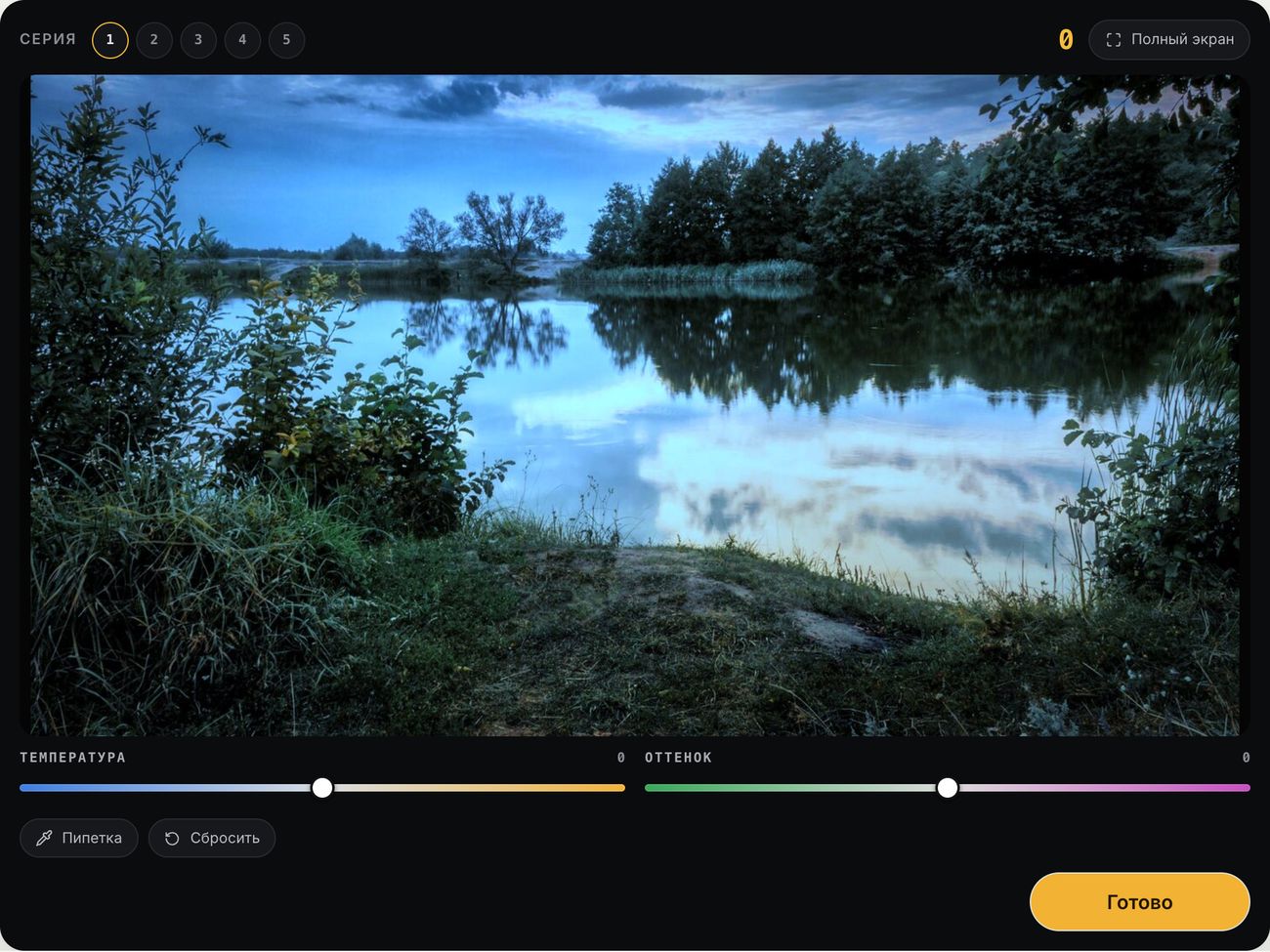
Photo Development
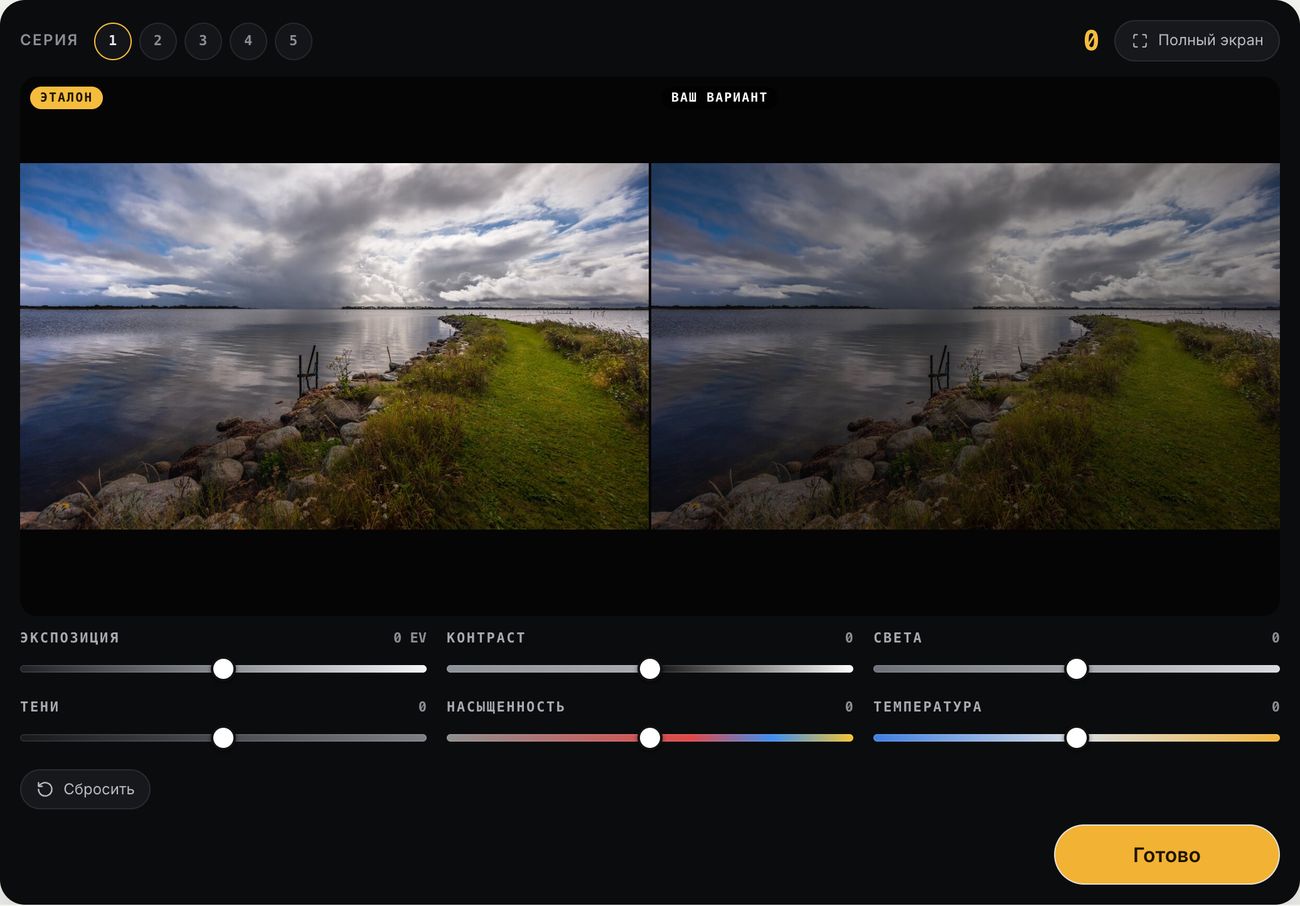
The reference is on the left, your version on the right. Adjust exposure, contrast, highlights, shadows, saturation, and temperature until the images match. You score points based on how closely the tones and colors match.
Histogram
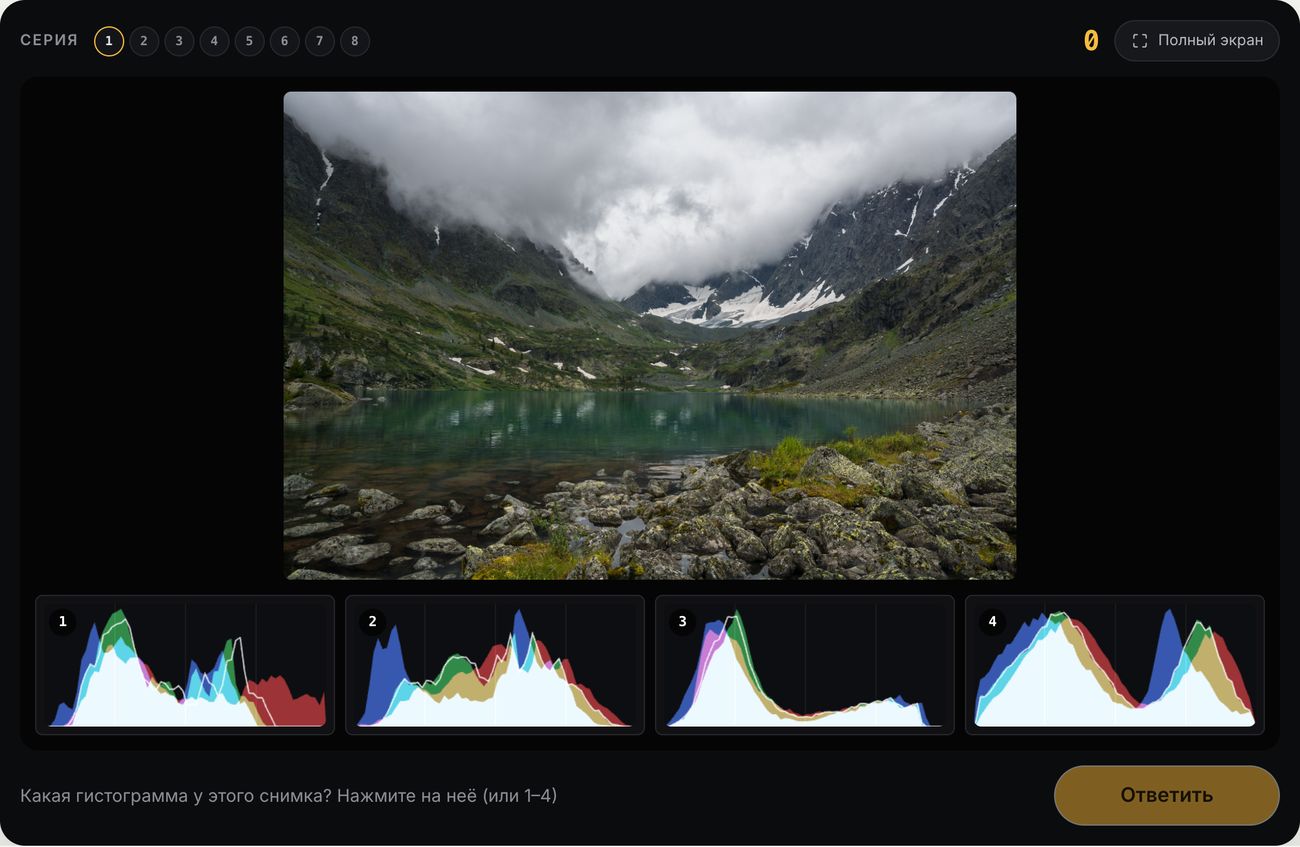
A photo and four histograms — which one belongs to it? Then the other way around. After a couple of rounds, the histogram on your camera screen will stop looking like an incomprehensible hill.
Visual Literacy
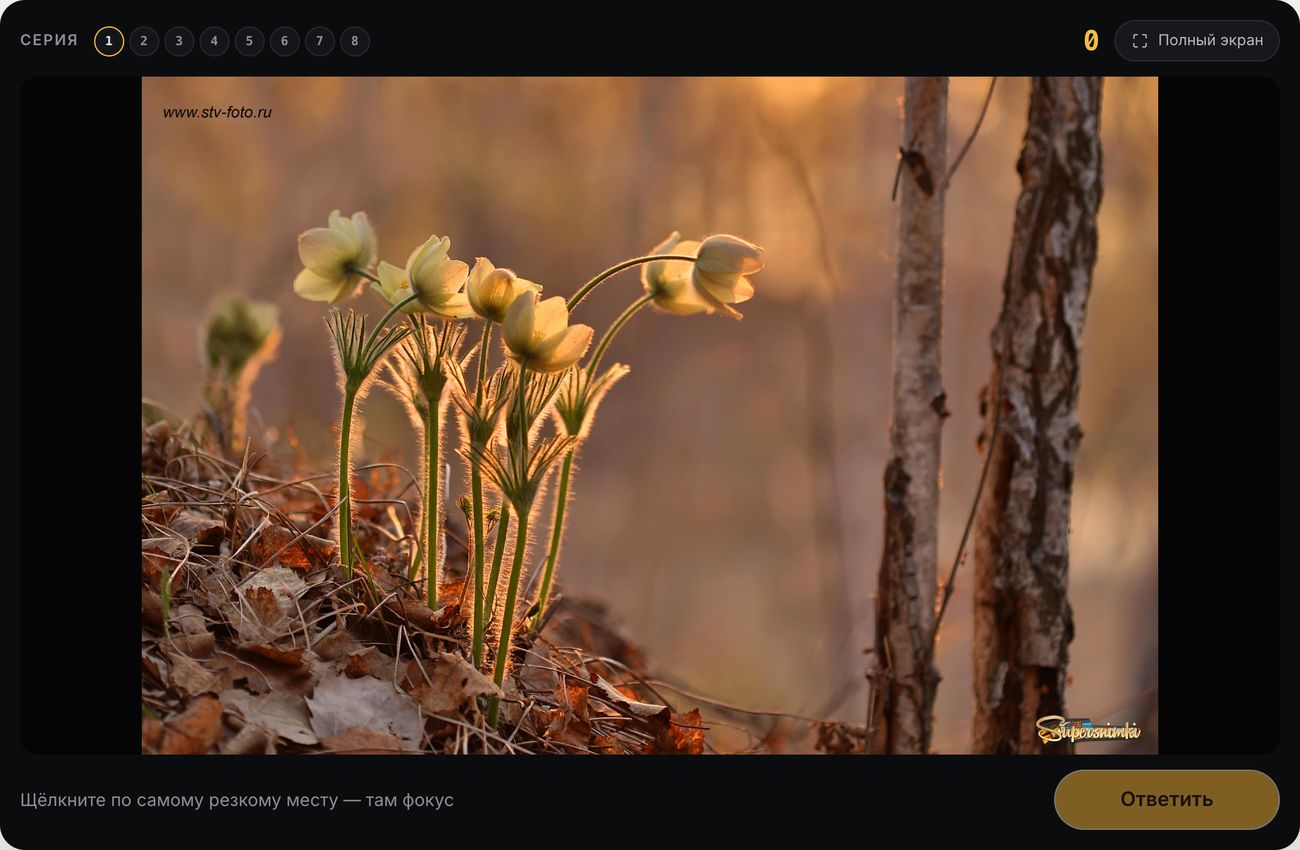
Where Is the Focus?
Photos shot wide open at f/1.4–2.8, where only a thin plane remains sharp. Click where the photographer focused, then see the photo’s sharpness map.
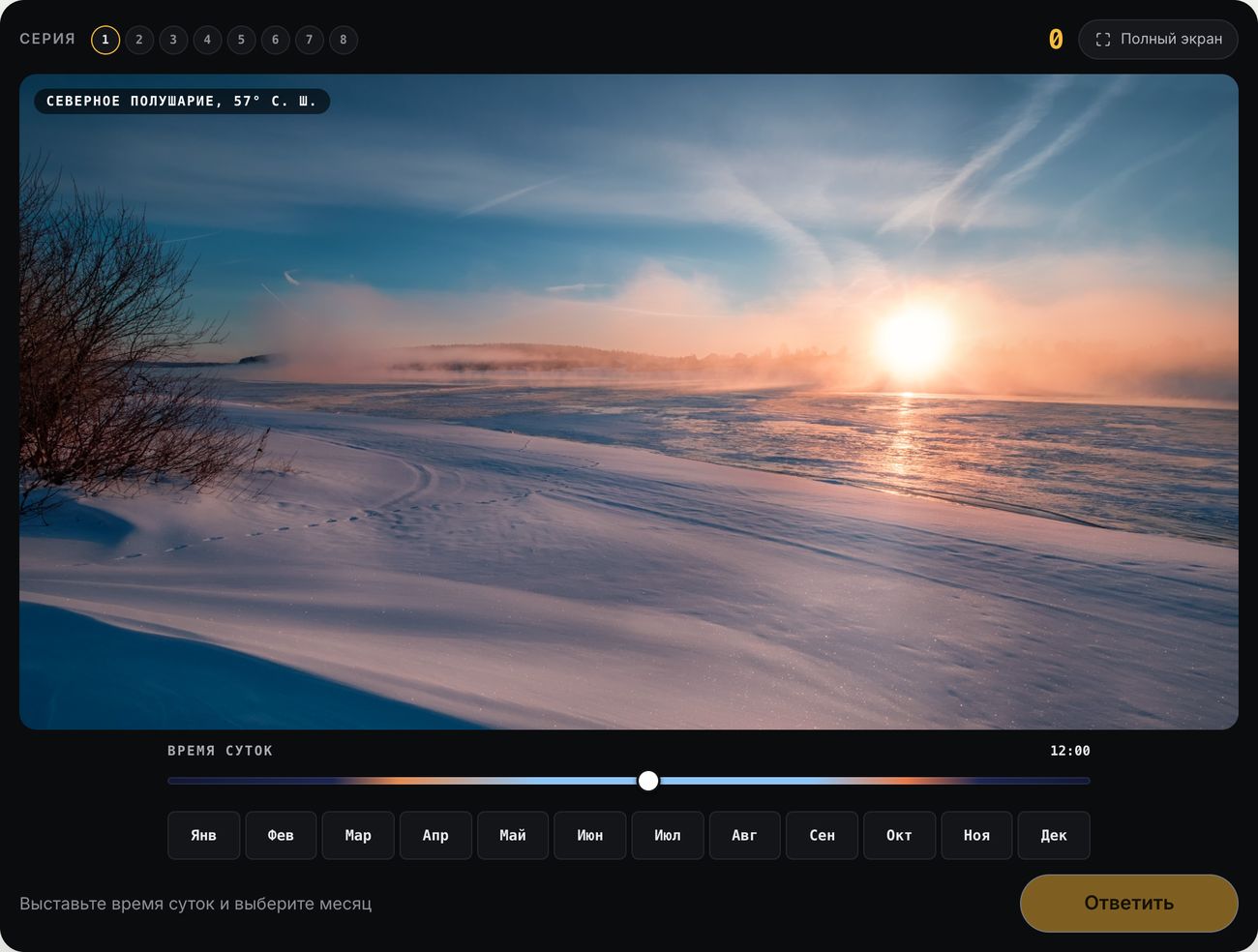
When Was It Taken?
The light, shadows, foliage, and snow reveal the time: guess the hour and month when the real photo was taken. The explanation shows how high the sun was.
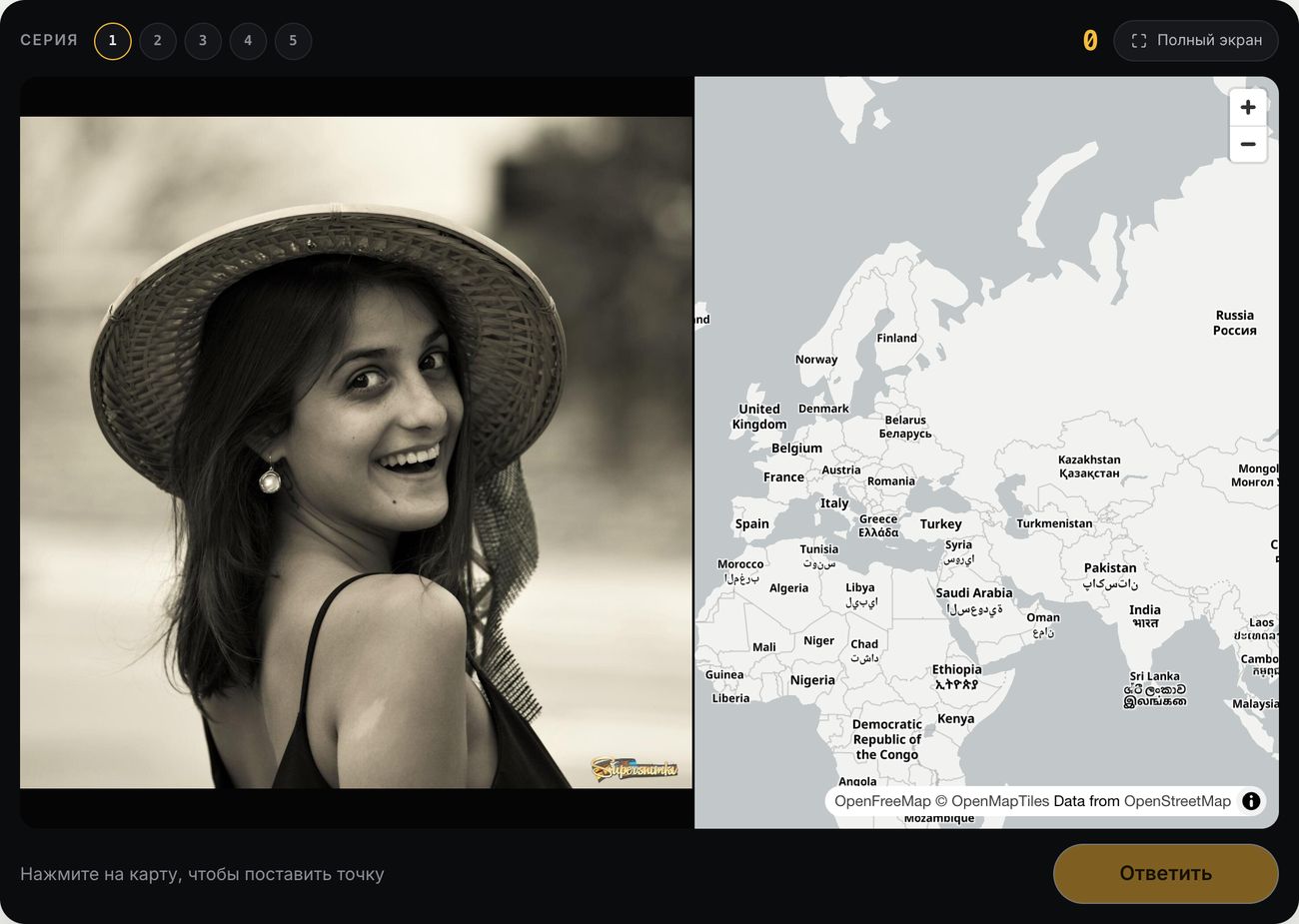
Where Was It Taken?
A photo from the site and a world map: place a marker where you think it was taken. The closer you are, the more points you earn.
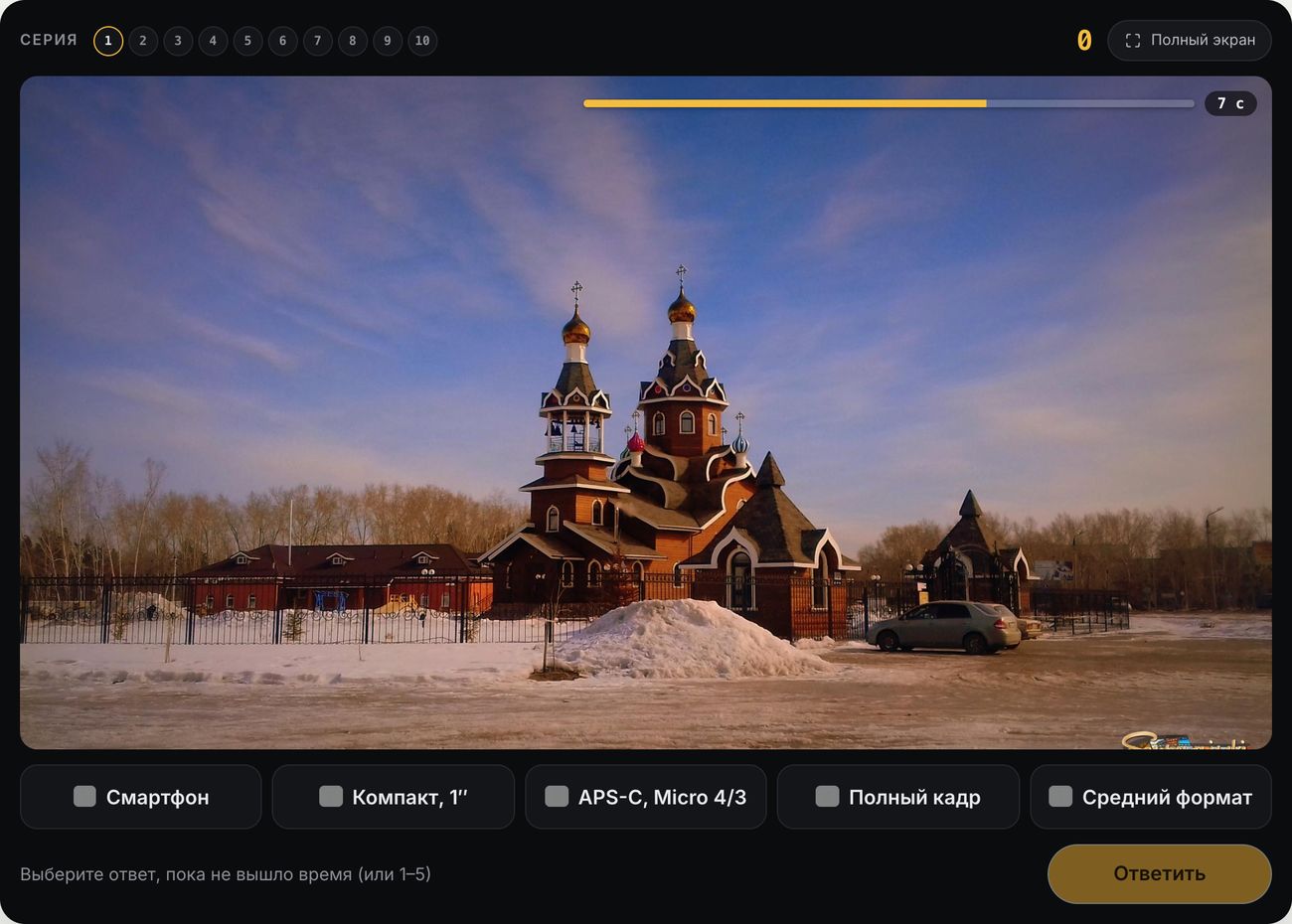
Camera or Smartphone?
Ten photos, ten seconds each: smartphone, compact with a one-inch sensor, APS-C, full frame, or medium format? It can be harder to tell than you might think.
Photographer’s Style
Three photos by one photographer and four choices: which one did they take? Identify the photographer by their light, color, and framing — and discover site photographers you may not have noticed before.
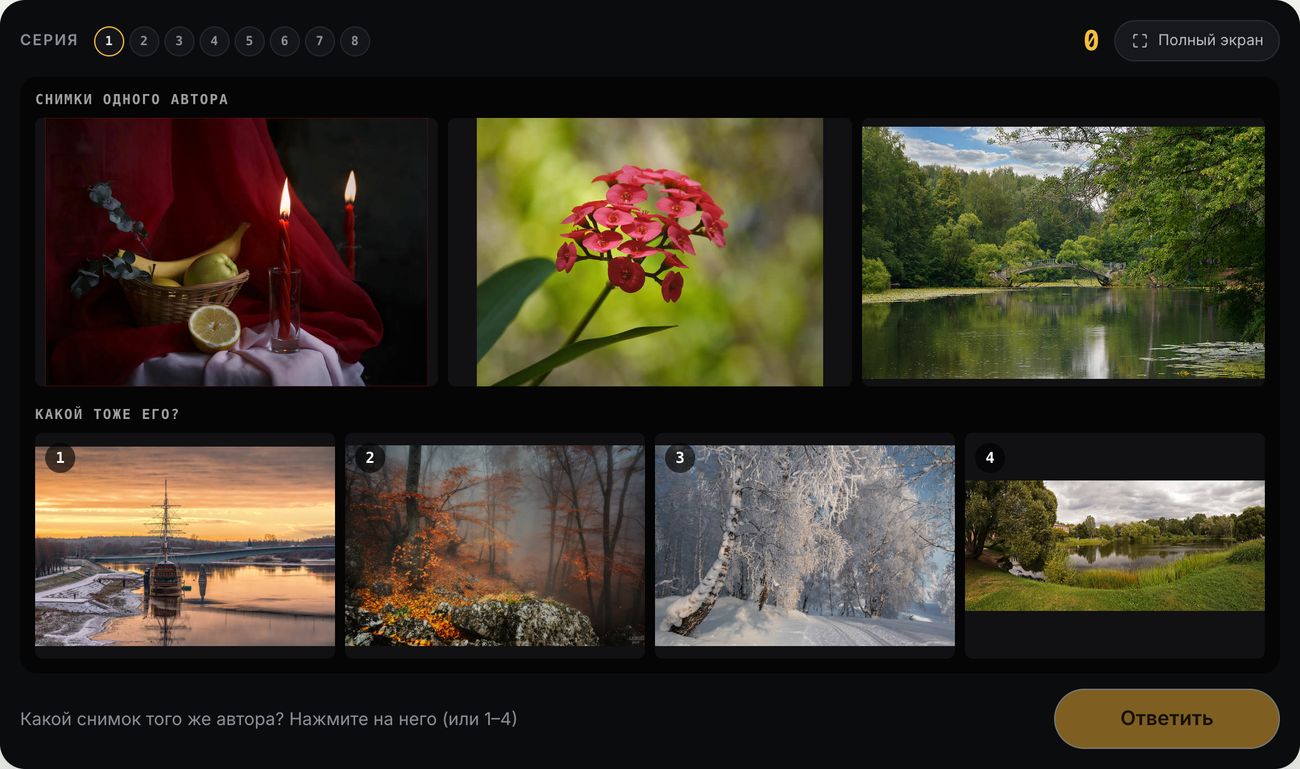
Photo Duel
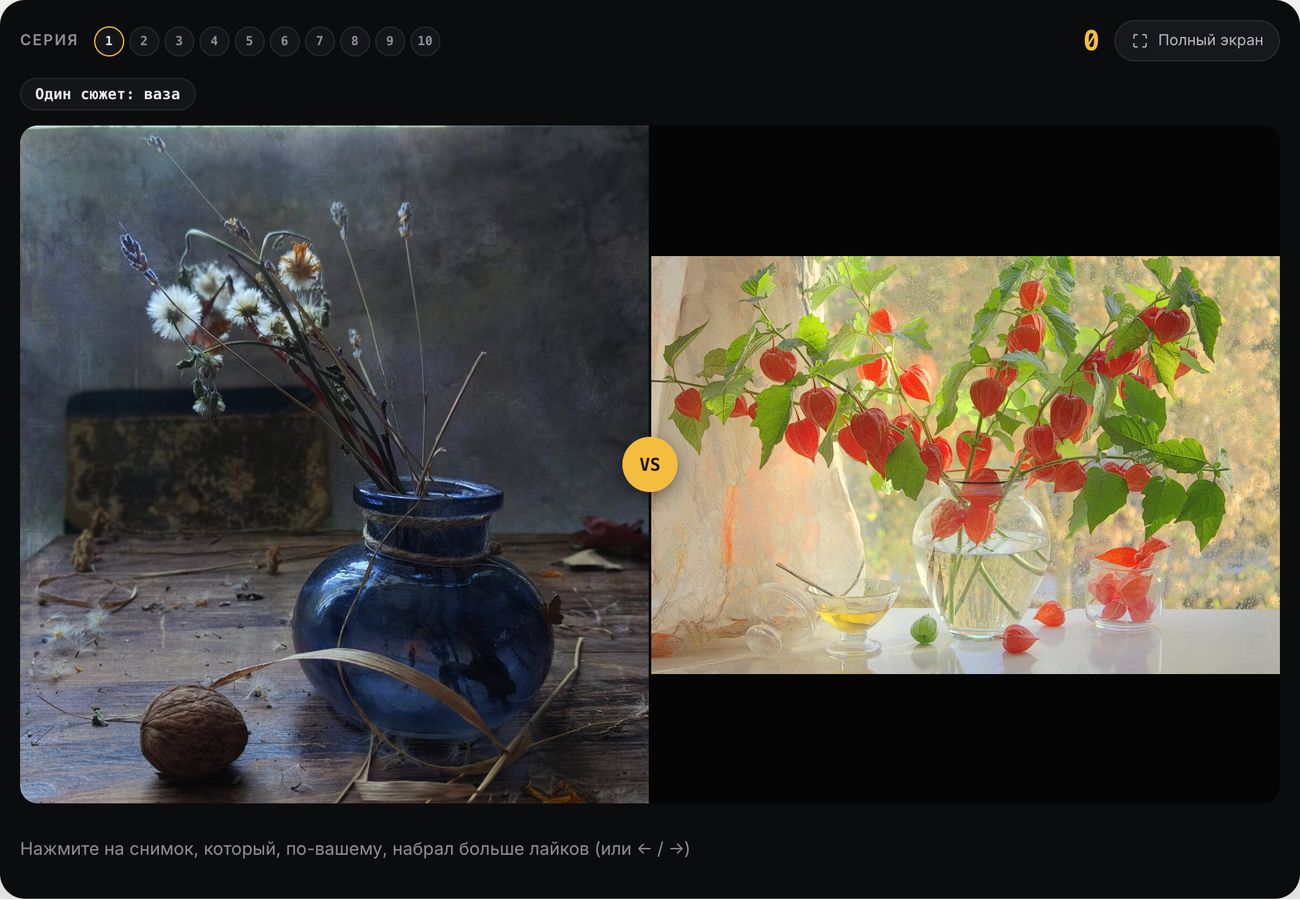
Two photos from the same series or on the same subject: which got more likes? You score points for matching the community’s opinion.
Attention to Detail
The Detail
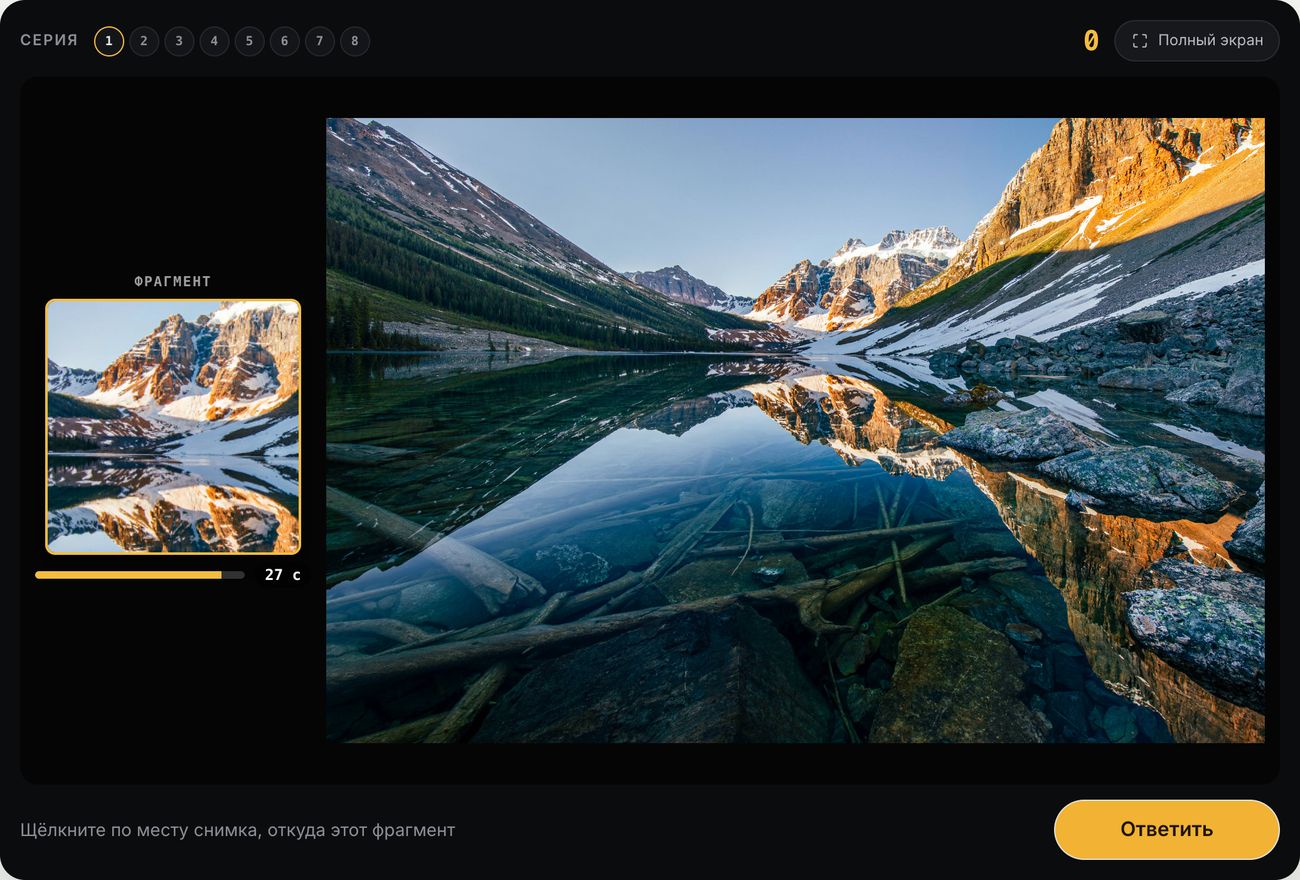
A small piece of a photo — find where it came from before time runs out. The pieces get smaller, then turn black and white, then upside down.
Retouching Detective
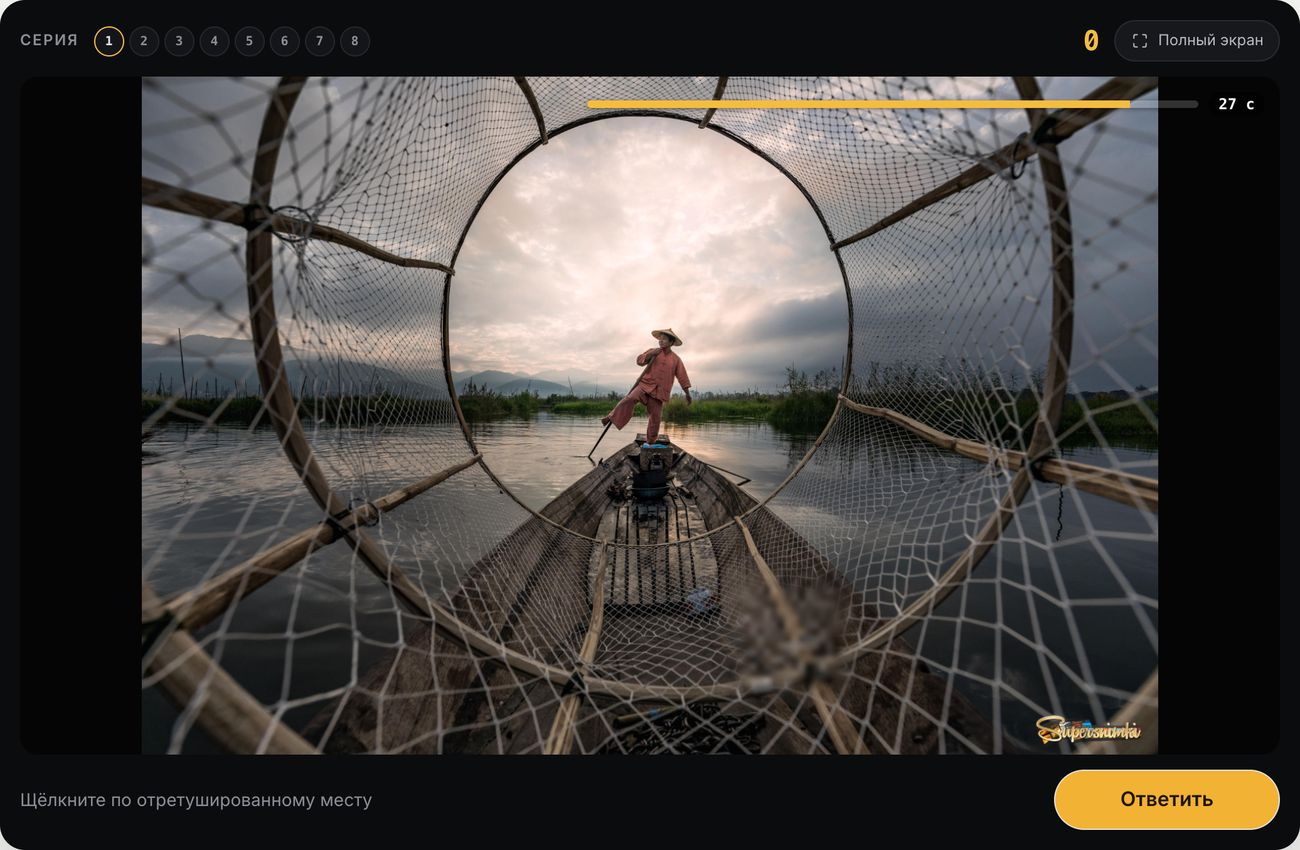
One area of the photo has been retouched: copied, reflected, recolored, brightened, or blurred. Find it in 30 seconds.
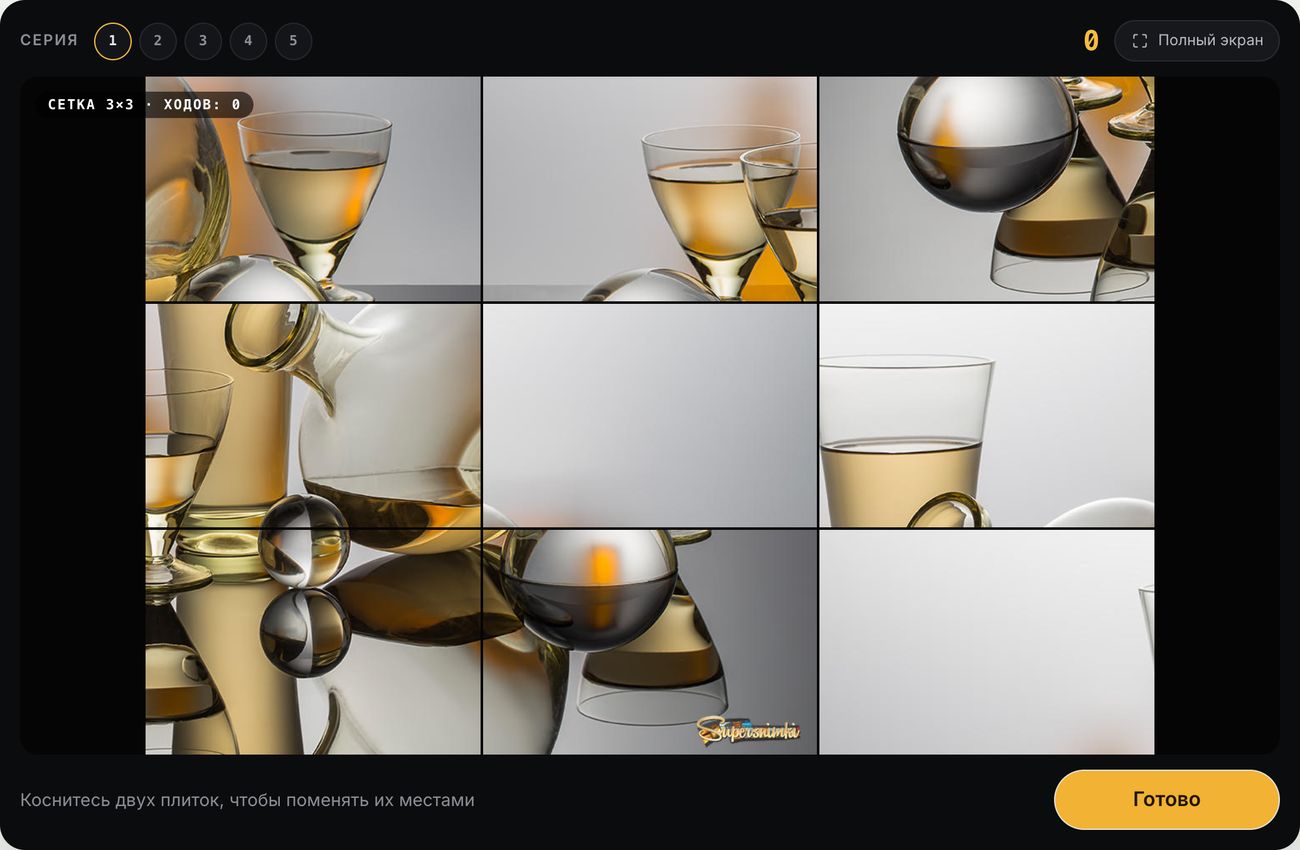
Jigsaw
The photo has been cut into tiles — 3×3, 4×4, or 5×5 — and shuffled. Put it back together in as few moves and as little time as possible.
Leaderboards and Achievements
Each game has its own leaderboard and stats, and the game card in the catalog shows the monthly leader and your personal best. There’s also an overall section leaderboard: your best score of the day in each game counts as a percentage of its maximum, and points from all games are added together — so the winner is the one who plays a variety of games. You can earn achievements for your successes, and the “Playing Now” feed shows who played what most recently.
Not sure where to start? Try the Exposure Triangle, then Exposure Pair. Find all the games in the Games section. Tell us in the comments which games you liked and what’s missing: the section will keep growing.